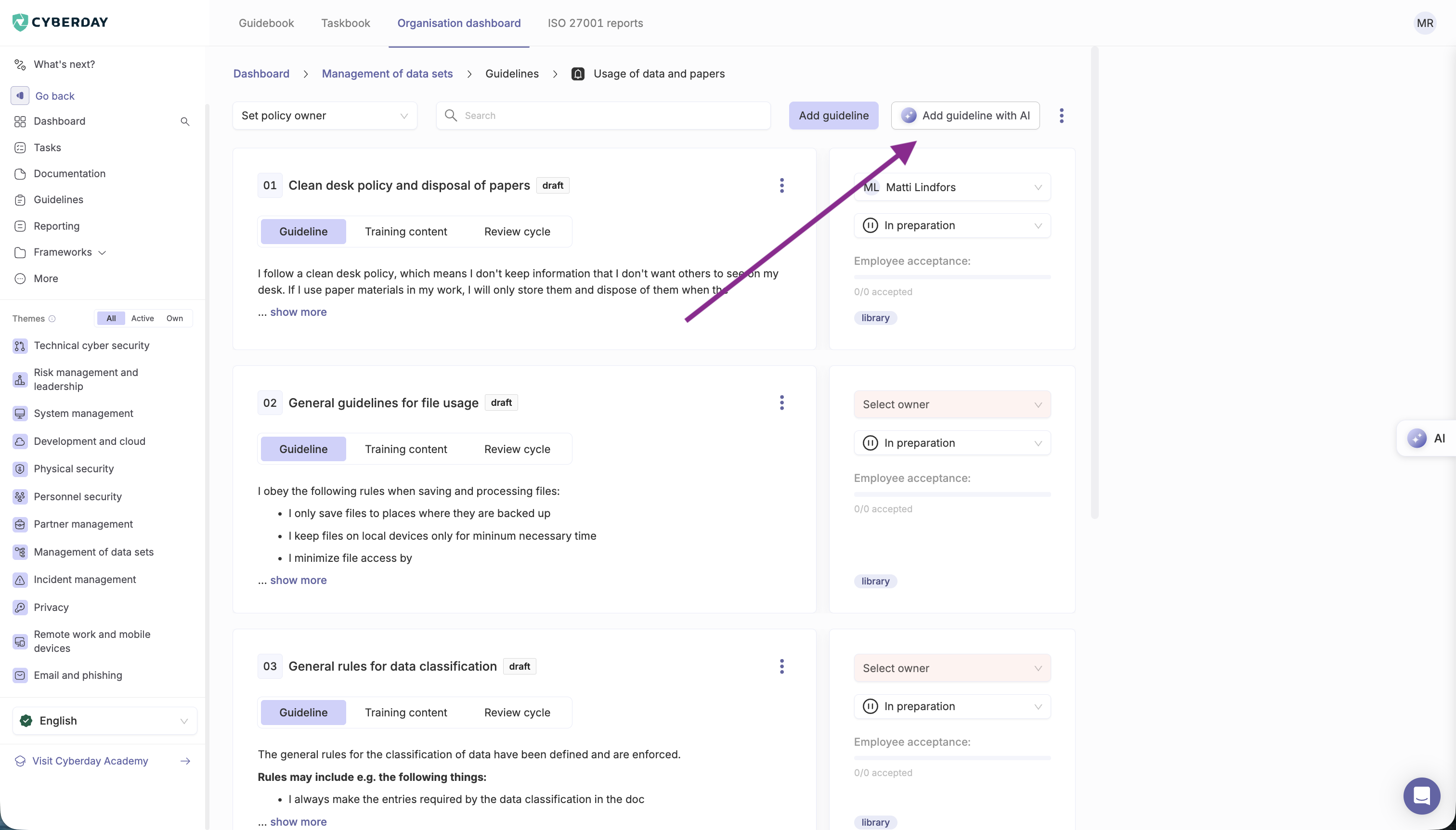
You can now utilize the AI assistant to write guideline suggestions for you, or add training content like examples and skill tests to existing guidelines.
When adding guidelines to a theme you can now choose 'Add guideline with AI' to open the guideline writer agent. Here you can either enter keywords or text to base a guideline on, or let the AI write multiple guideline suggestions for you based on the theme. When creating multiple guideline suggestions in this way you also get a preview of the guidelines it has created and you can select which ones you'd like to add. These guidelines can also always be edited manually afterwards too.
When creating training content for existing guidelines you can also now draft content with AI in the training content tab. Here the AI will create example cases and skill test questions based on the content of the guideline and you can then choose which content to draft. 🚀


.svg)