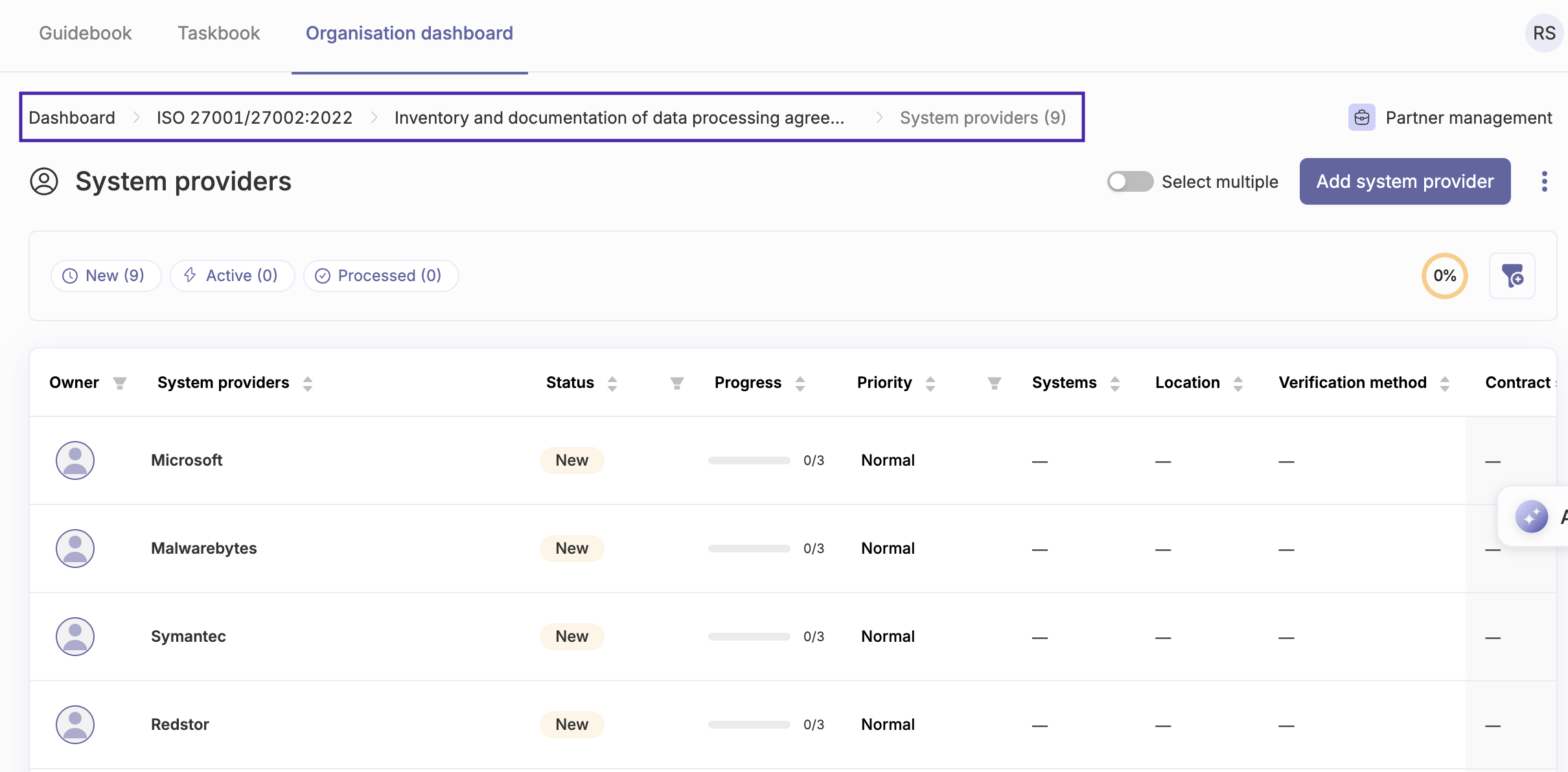
We have added history-based breadcrumb navigation for most pages now, which will help greatly with navigating the often complex structure of the app without getting as lost.
Previously, the breadcrumb navigation at the top of the page was only displayed for pages contained within the theme categories, and would only show where the current page you are on is located within that theme. Now we have decided to instead add this breadcrumb navigation to the top of most lower level pages, and will now show the path how you have reached that page, instead of just the hierarchical theme structure of the page.
So if you have navigated from a report to a task and a documentation item on that task and then to another item linked on that documentation, you can now easily see the path you have taken and can go back to any step in the journey. 🚀


.svg)